Canvas to Commits
Git Training for Designers
One-on-one training session for designers to get up to speed on version control for their coded prototypes.
- Video call
- 90 minutes
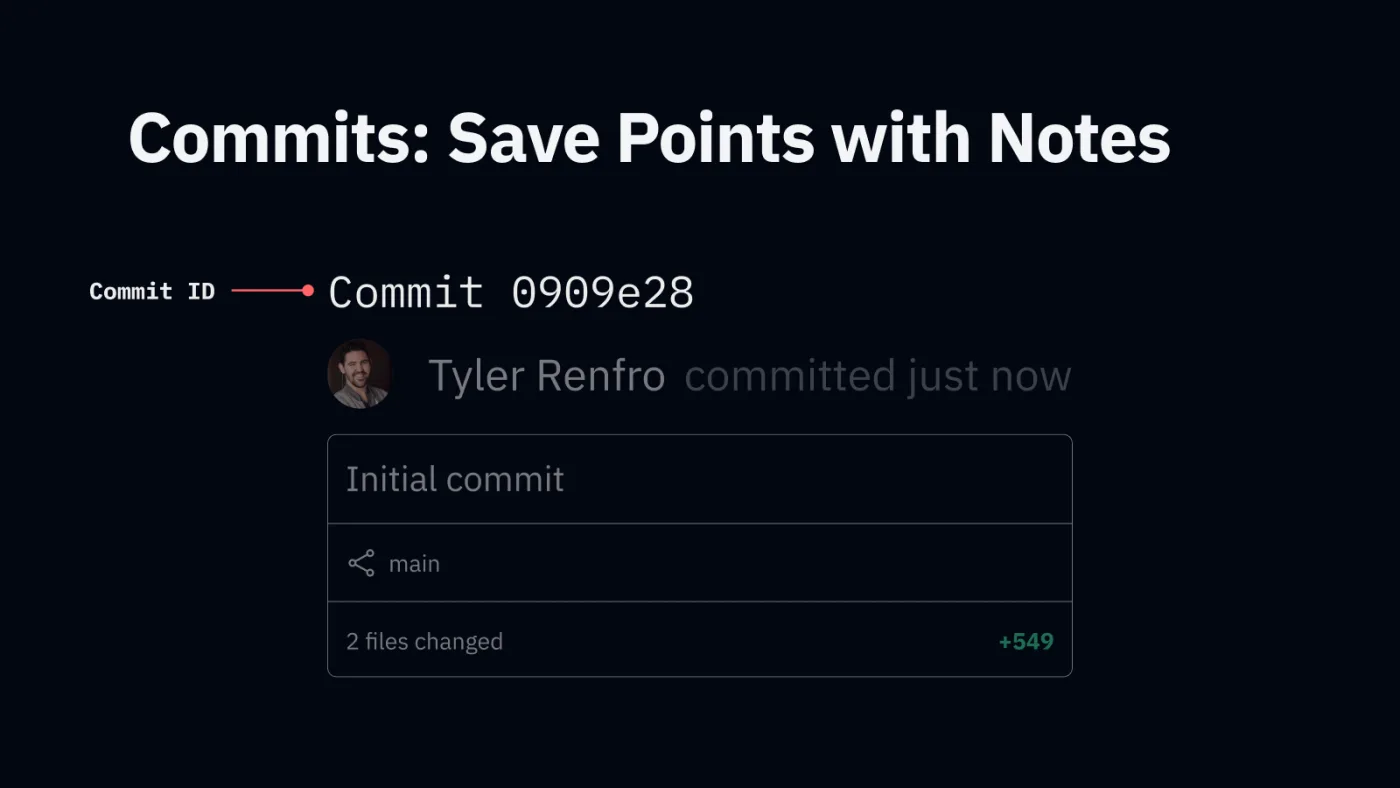
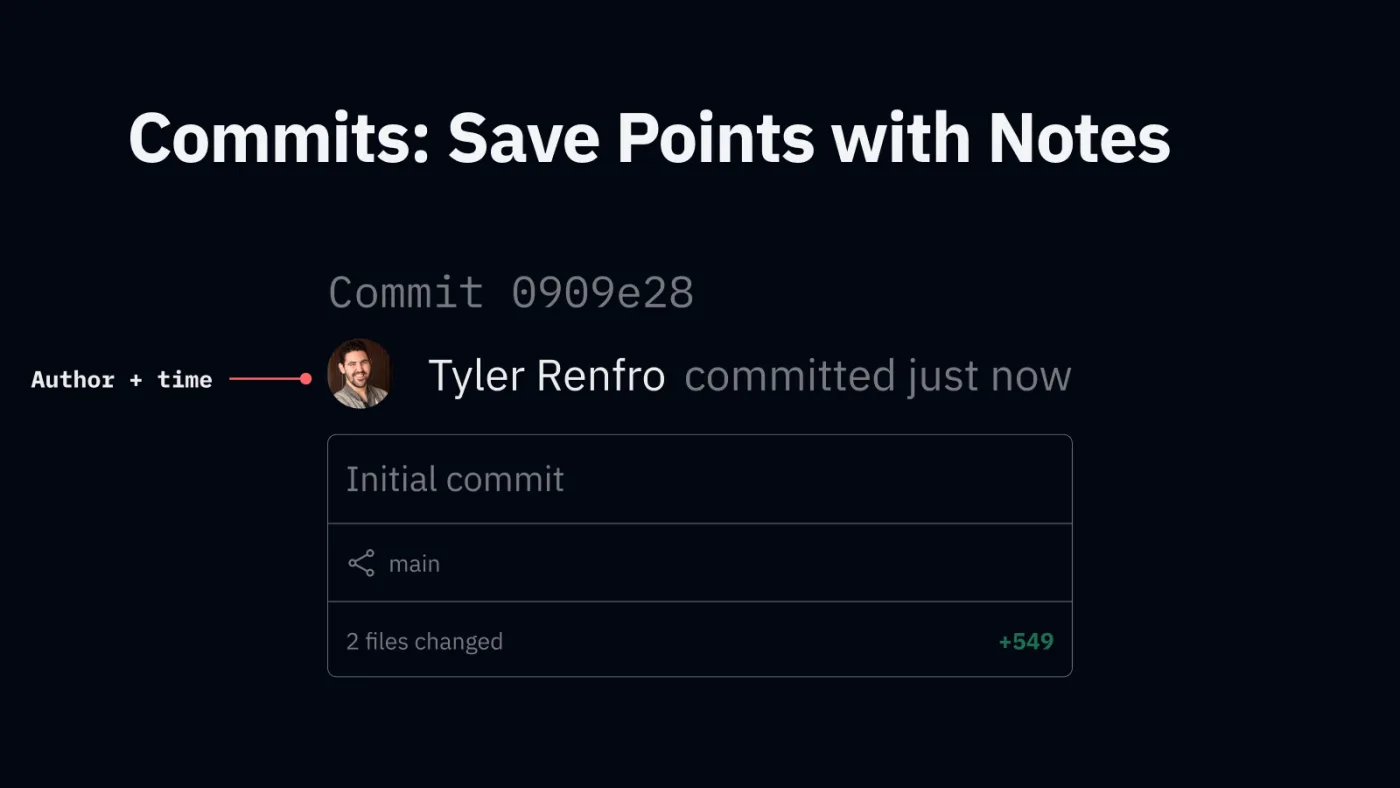
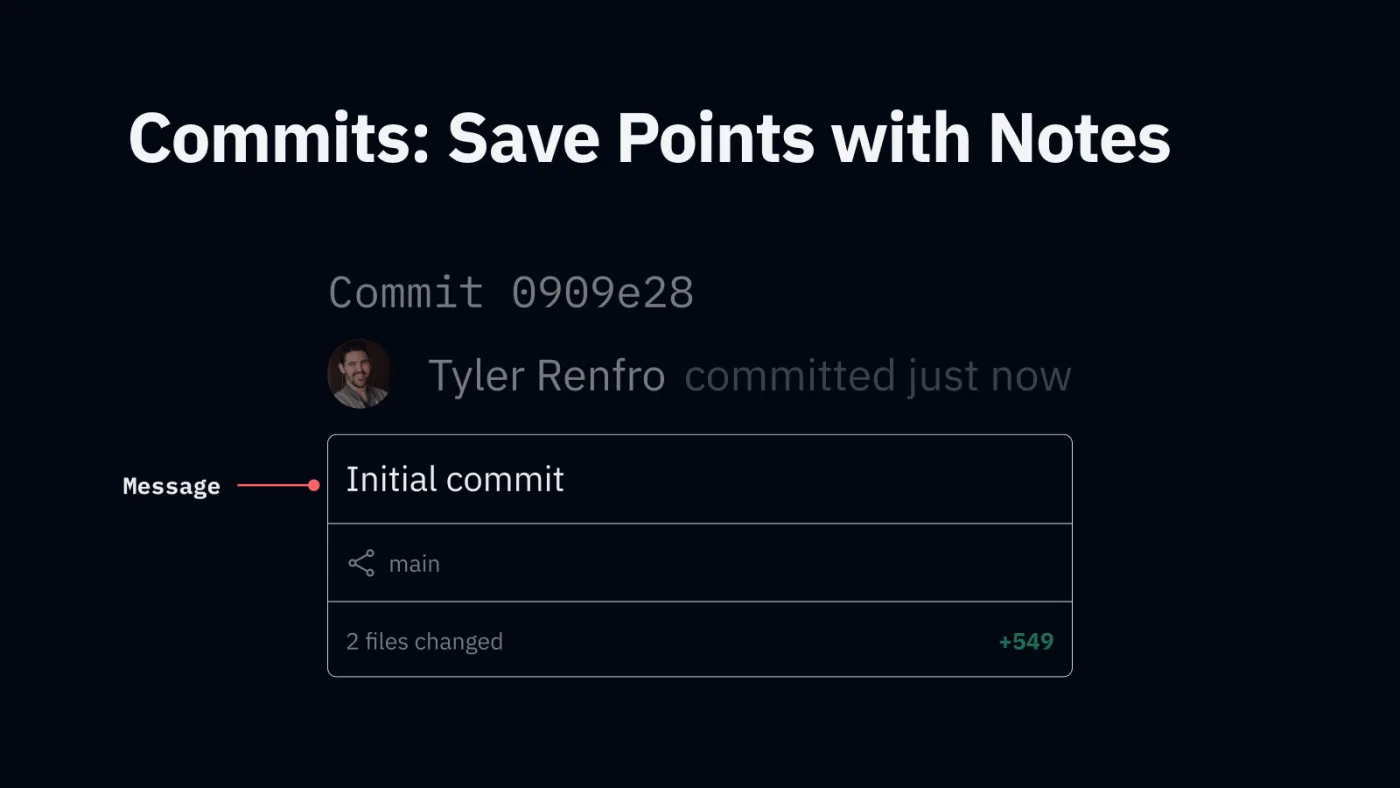
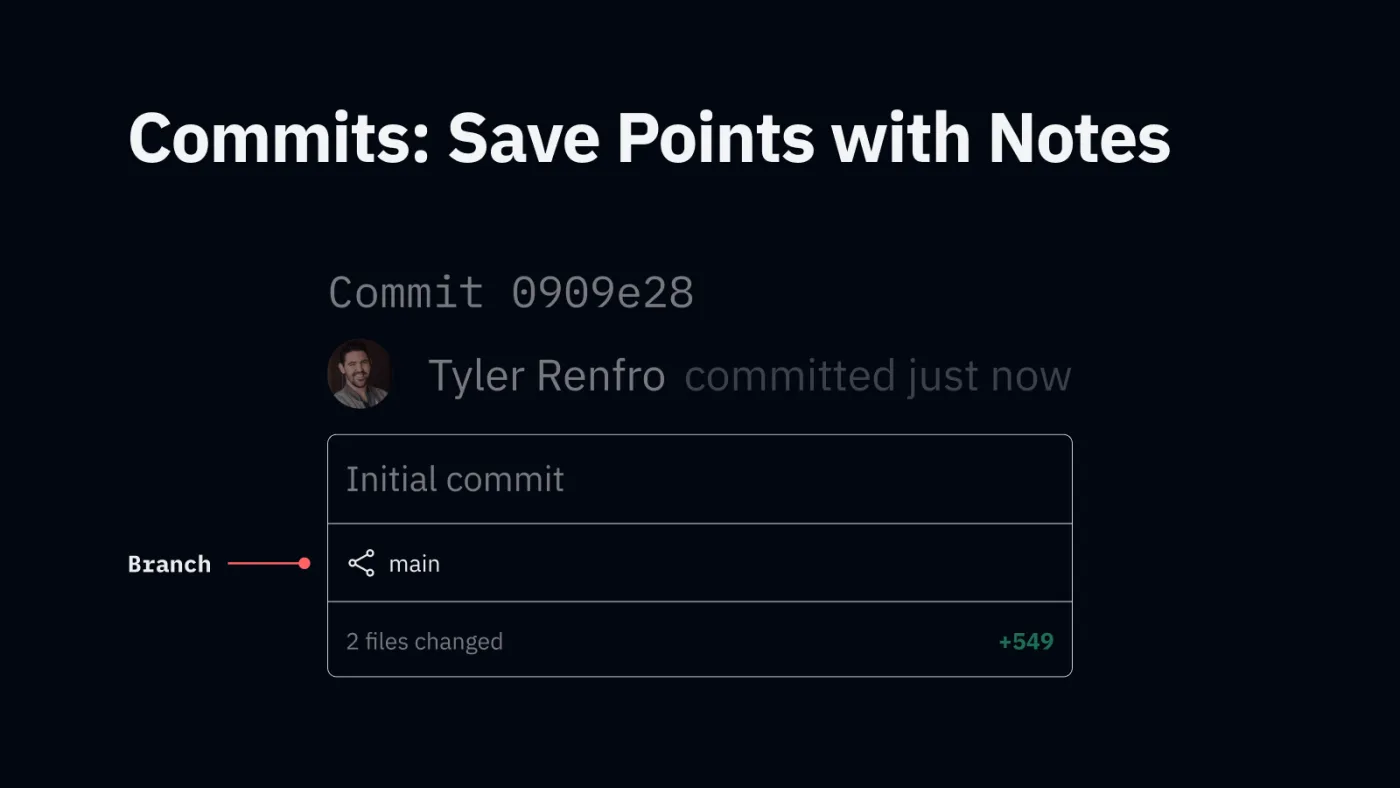
Learn by hand first. Then power your workflow with AI.
-
Git Fundamentals
The handful of ideas Git is built on: repositories, commits, branches and remotes.
-
Build a Mental Model
See what each command does to your project, so Git stops feeling like guesswork.
-



Operate a Simple Git Workflow
Follow along in the app you already use: commit, branch, merge and push to GitHub.
Git for Beginners: what's covered
-
01dc0de
A Brief History of Save As
From train conductors’ punch cards to census data, early programs, and the IBM-funded research behind version control.
-
de7a115
Layers of a Repository
What a repository is, how commits form branches, and how local and remote copies keep each other updated.
-
c0de5e7
The Command Palette
The handful of Git commands you'll actually use, what each one means, and how it changes your repository.
-
d00d1ed
Follow Along
On your own computer, put the follow-along project under version control: start a repository, push it to GitHub, branch, commit, and merge.
Schedule your session
90 minutes, 1:1 on Zoom, at a time that suits you. You'll get the slides, the companion board and a recording afterwards.
Paid when you book. Reschedule up to 24 hours before it starts.